Deploy Docker images
without the toil
Hoister watches your container registry and automatically updates running containers when a new image is pushed — with built-in rollback if something goes wrong.
A dashboard for every container, deployment and metric across your hosts.

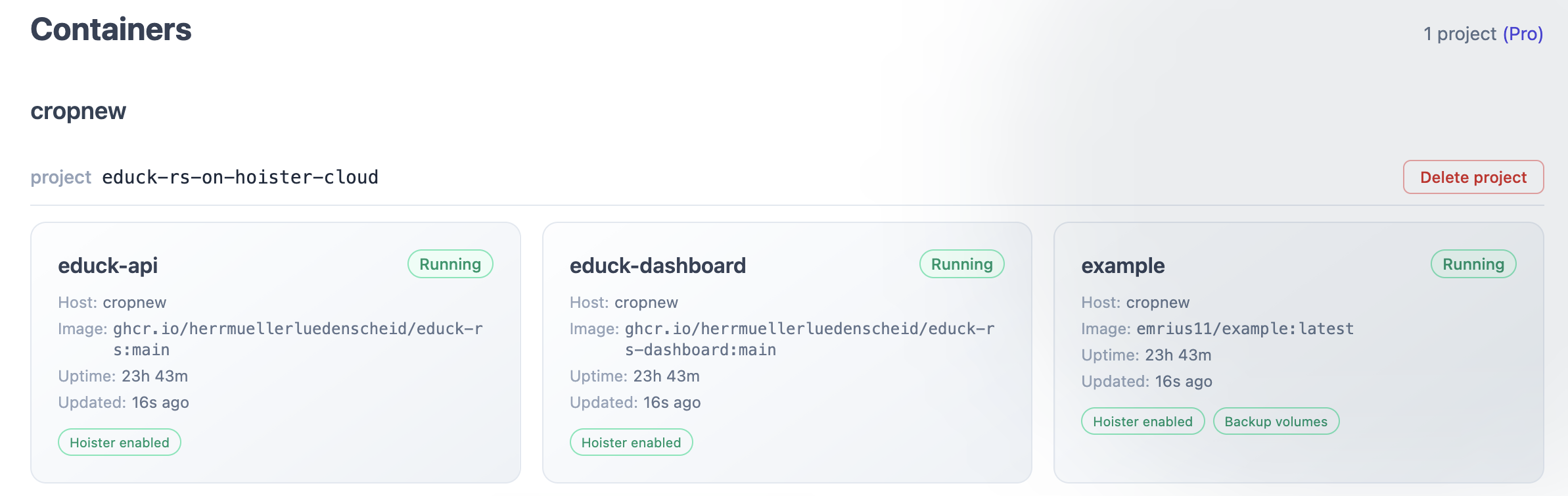
See every monitored container across your projects, with image, uptime and update status at a glance.

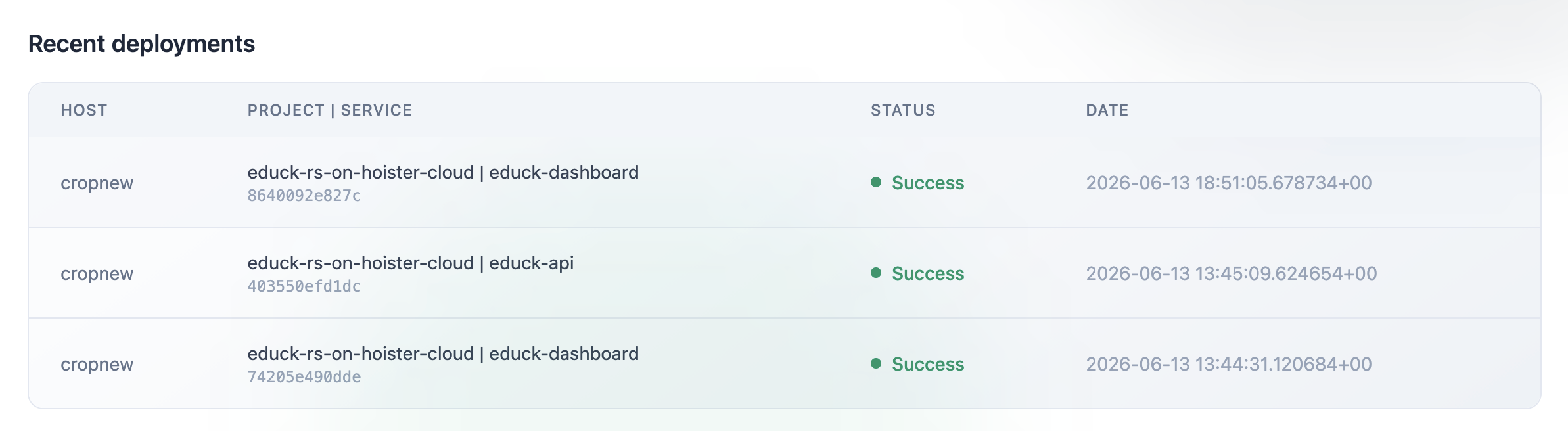
A live feed of rollouts per host and service — success, failure and rollback, with the exact image digest.

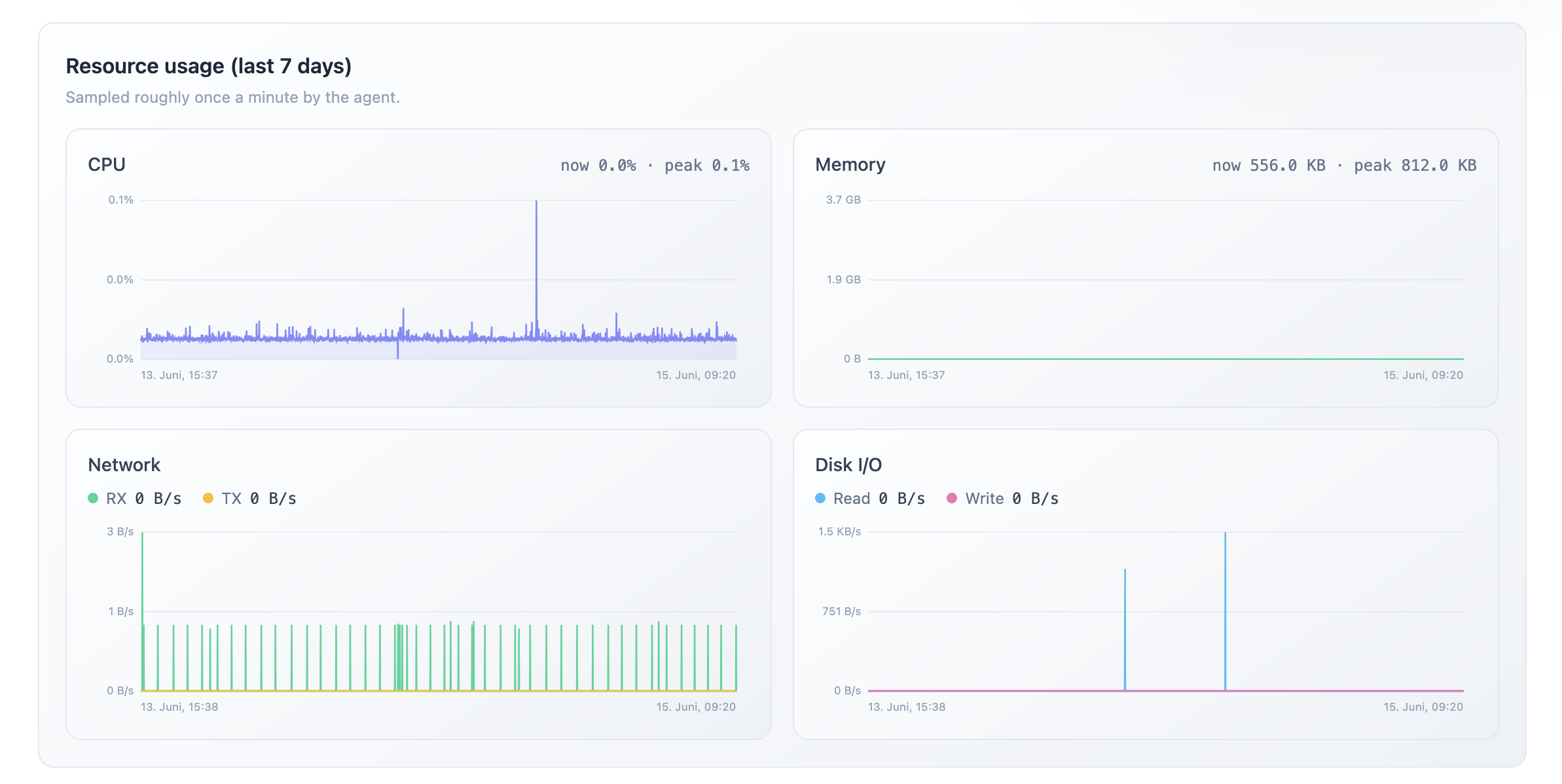
Per-container CPU, memory, network and disk I/O sampled by the agent over the last 7 days.

Discover the other services sharing a Docker network, with their project and IP address.

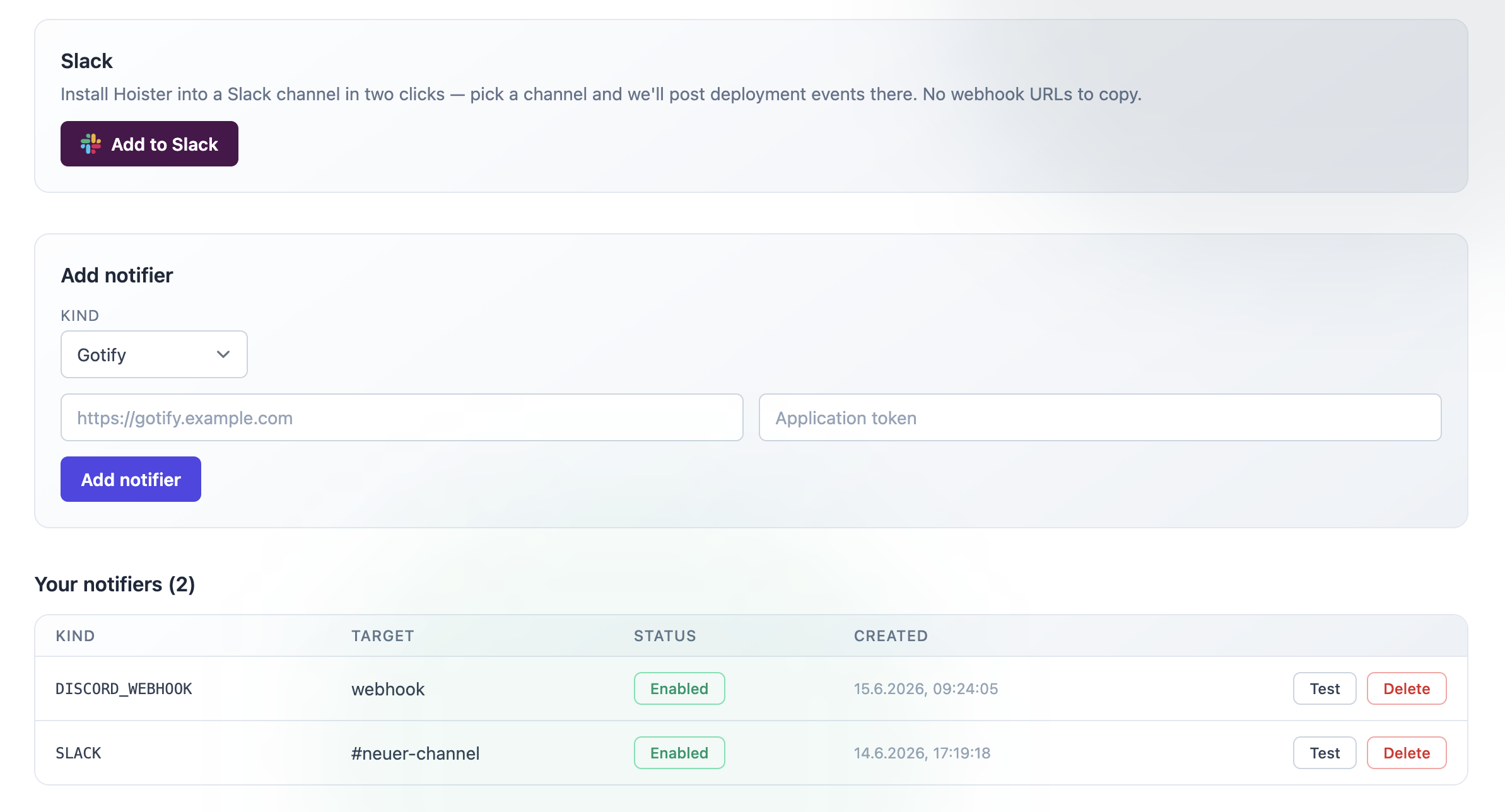
Wire up Slack, Discord, Gotify and more in a couple of clicks, then test them right from the dashboard.
Sign in to /tokens to
mint an agent token, then add this service to your existing docker-compose.yaml:
services:
hoister:
image: hoister/hoister:latest
volumes:
- /var/run/docker.sock:/var/run/docker.sock
security_opt:
- no-new-privileges:true
environment:
HOISTER_CONTROLLER_TOKEN: "hst_<paste-your-token-here>"
HOISTER_HOSTNAME: "<this-host-name>"
# Opt in to forwarding container log tails for crashed containers:
# HOISTER_REPORT_LOGS: "true" The HOISTER_CONTROLLER_URL override will become unnecessary once the public hoister/hoister:latest image is bumped to the cloud-aware build.
Hoister auto-updates containers the same way — but rolls back and restores volumes when an update fails its health check.
Open an issue or send a report and get up to 3 years of Pro subscription for free.
We use strictly necessary cookies for authentication. With your permission we'd also like to use PostHog to anonymously measure how the dashboard is used so we can improve it. See our privacy policy for details.